
What resolution does my photo need for a canvas print?
300 dpi at the printed size is recommended for a canvas print, measured on the full file including the 1.5 in wrap on every side. A 16 x 20 in canvas needs a 19 x 23 in file, which is 5700 x 6900 pixels at 300 dpi. A recent phone photo at full resolution usually prints well up to 16 x 20 in; for 24 x 36 in and larger use a camera original or a high resolution file.
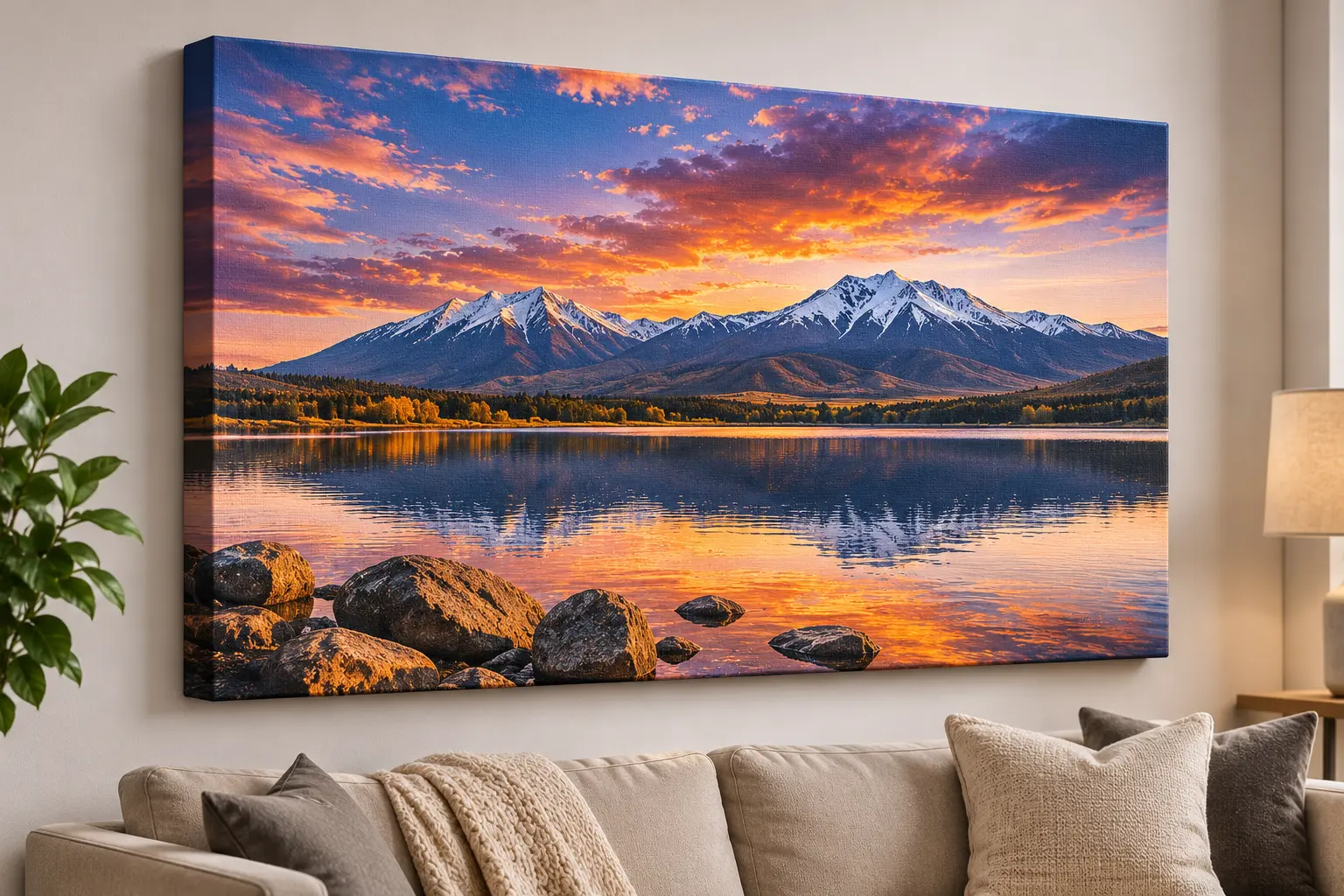
Pixels by size at 300 dpi
12 x 12 in canvas: 4500 x 4500 pixels. 16 x 20 in: 5700 x 6900. 18 x 24 in: 6300 x 8100. 24 x 36 in: 8100 x 11700. Files below these still print; below about 150 dpi photos may look soft, and our upload check shows the dpi at your chosen size.
Getting the best file
Use the original photo, not a screenshot, a social media copy or a photo sent through a messaging app, because those are compressed. Do not enlarge a small photo in an editor; it adds pixels but not detail. A person on our team checks every file and emails you before printing if it looks soft.
Related questions
Is my phone photo good enough for canvas?
Usually up to 16 x 20 in, if it is the original full resolution file.
Can I upload a PDF?
Yes. PDF, PNG and JPG are accepted.
What if my photo is too small?
Choose a smaller canvas, or send the original file. We email you before printing if a file looks soft.